Original digital software • Review license and refund terms before purchase
Al Waha
Home All products EK Tools Free tools Deals Exclusives Custom design
Categories
EK Tools 2 Stream Alerts 0 Stream Packs 0 Exclusive Packs 0 Chat Widgets 17 Donation & Sub Widgets 51 Overlays & Screens 0 OBS Filters & Scenes 0 Sound Effect Packs 0 Facecams 30 Emote & Icon Packs 0 Code & Software 0 PC Tools 0 Banners & Channel Identity 0 Editing Templates 0 Design Services 0 Fonts & Graphic Assets 0
My account
Sign in Create account
ELASHKEF · ORIGINAL SOFTWARE

SOFTWARE FOR VIDEO CREATORS

EK TOOLS

Smoother motion. Cleaner picture. No complexity.

EK Tools is software by Elashkef for creators and video editors: Elashkef 60FPS gives your clips 60-frame smoothness and GPU-powered motion blur, and Elashkef Studio enhances video quality in fewer steps.

02 / PROGRAMS Original software by Elashkef
THE COLLECTION

A tool for what your video needs.

Is it the motion, or the picture quality? Choose the tool built for it.

02 / PROGRAMS
BEFORE · AFTER

See the result before you choose.

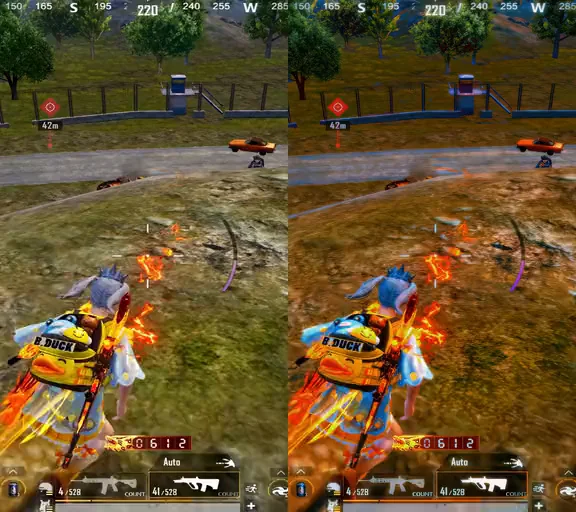
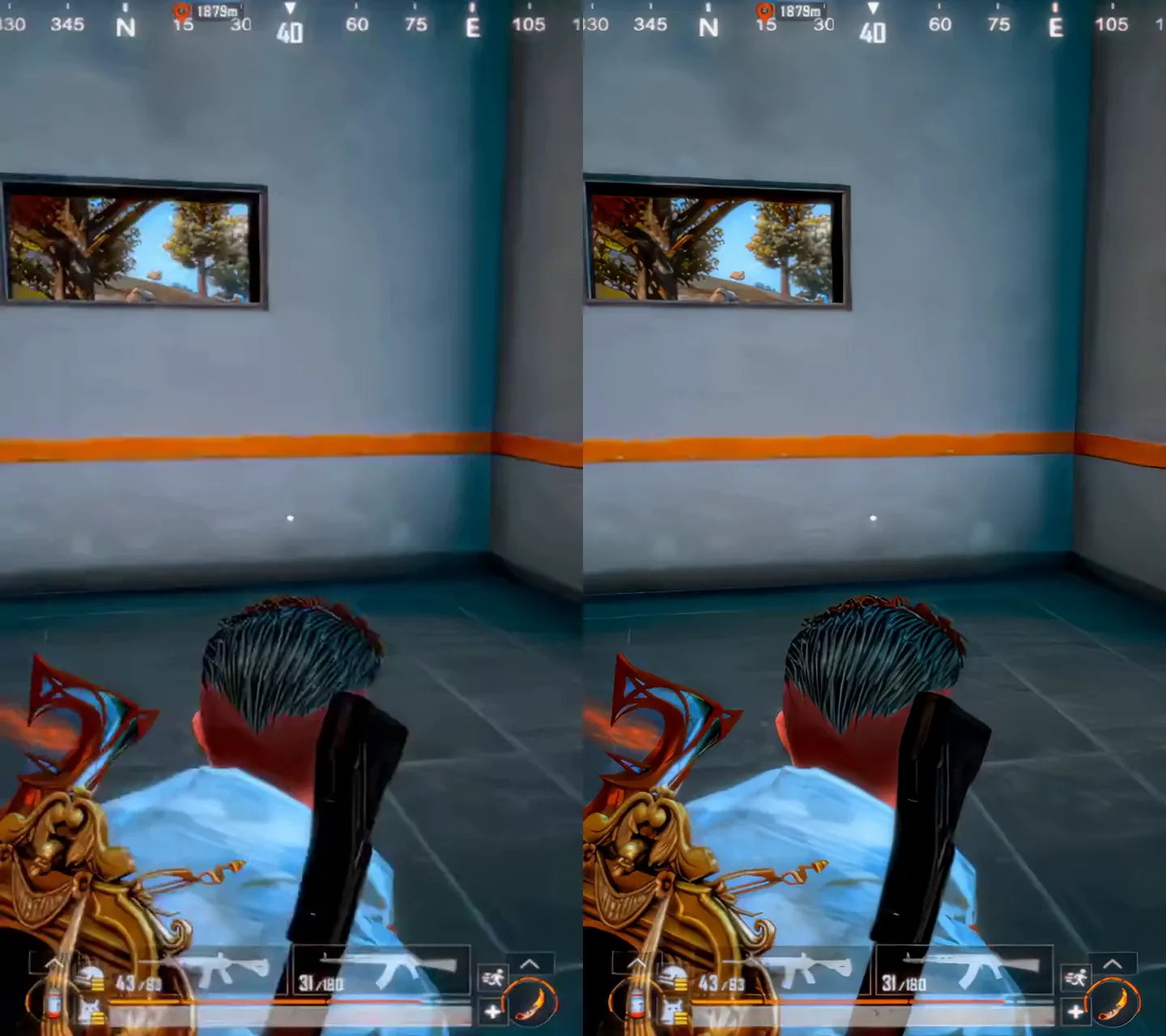
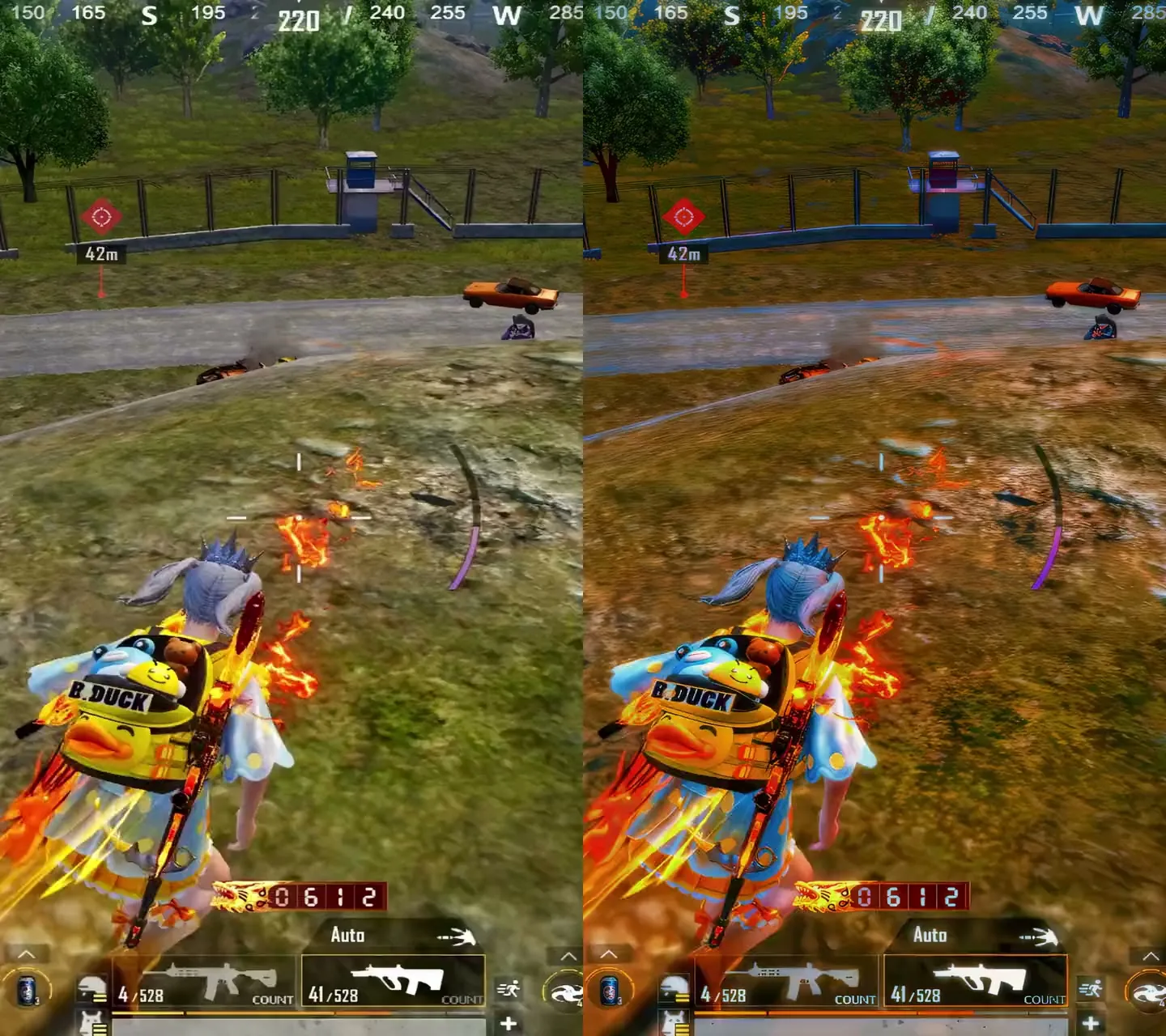
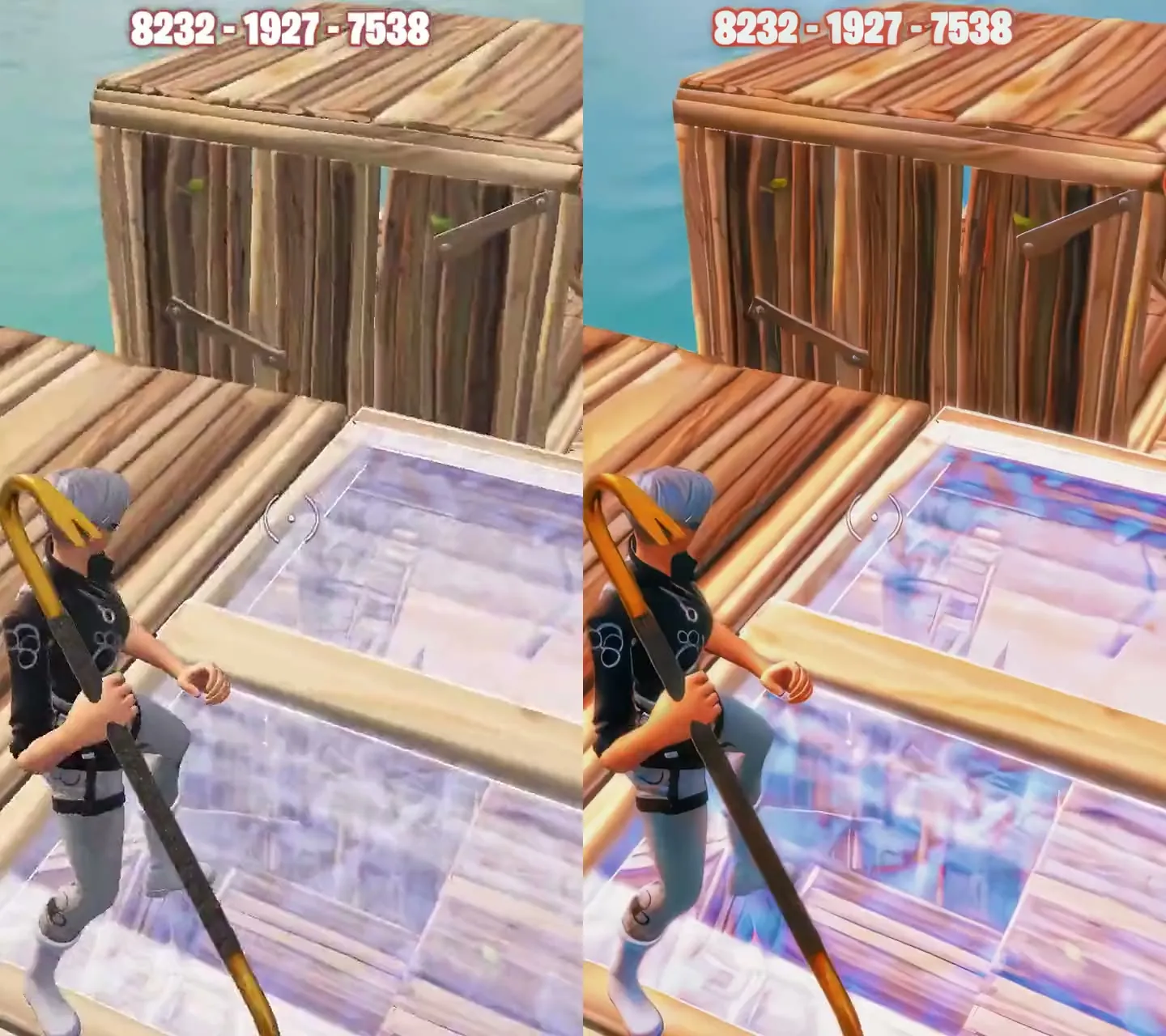
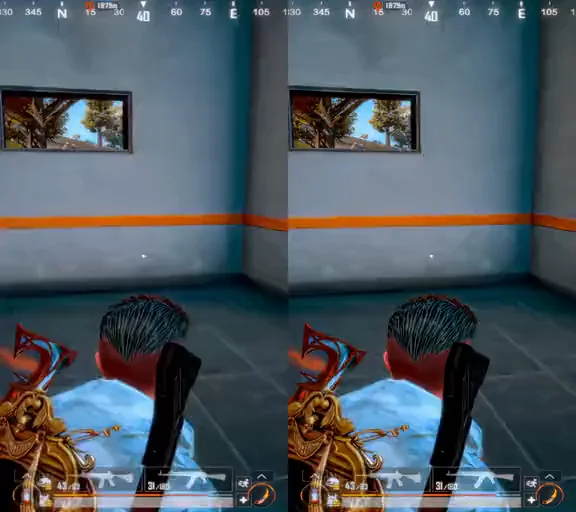
Real gameplay clips from both programs: in 60FPS the left of the line is the usual compressed look after upload and the right is 60-frame smoothness; in Studio the left is the source and the right is after quality enhancement. Drag the line on any clip.

03 / CLIPS
Elashkef 60FPS PUBG Mobile2.0s · 30 ⟷ 60FPS Silent comparison from Elashkef 60FPS: Compressed · 30FPS versus 60FPS.
Elashkef Studio PUBG Mobile2.3s · 60FPS Silent comparison from Elashkef Studio: Before versus After.
Elashkef Studio Fortnite2.0s · 60FPS Silent comparison from Elashkef Studio: Before versus After.

Clips are silent. The compressed side of the 60FPS clip simulates the usual compression after upload, and results vary with the source file, settings and platform processing.

WHY EK TOOLS

Tools that work for your video, not the other way around.

Each program in EK Tools focuses on one job: smooth motion in 60FPS, picture quality in Studio. That means less time on setup and more time creating.

One clear job per tool

Each program is built around a specific result: smoother motion, or higher quality.

Start straight from your file

Add your video and begin, without setting up a full editing project for every step.

Built for short-form

For TikTok, Reels, Shorts, gaming clips and fast edits.

QUESTIONS

Before you choose.

Quick answers about the programs, availability and licensing.

What is the difference between Elashkef 60FPS and Elashkef Studio?

Elashkef 60FPS is about motion: it prepares video at a smooth 60 frames per second and adds GPU-powered motion blur. Elashkef Studio focuses on the quality of the picture itself. Choose 60FPS if the problem is motion, and Studio if it is quality.

When can I buy the programs?

Programs marked “Coming to the store” are not available to purchase yet. Pricing and the purchase button appear on the program’s page as soon as it launches, and you can contact us with any question before then.

Where can I find system requirements and licensing?

Release specifications and system requirements appear on the program’s page when it becomes available. Review the license terms, or contact us before purchasing if you have a question. License terms

EK TOOLS

Your next video deserves better tools.

Choose the program that fits your work and start from its page.