
60-frame smoothness
Smoother movement every second, especially visible in gaming clips and fast edits.
MOTION · SMOOTHNESS · BLUR
Smoother motion. Clips that hold the eye.
Prepare smoother 60FPS videos with GPU motion blur and an Arabic and English interface.
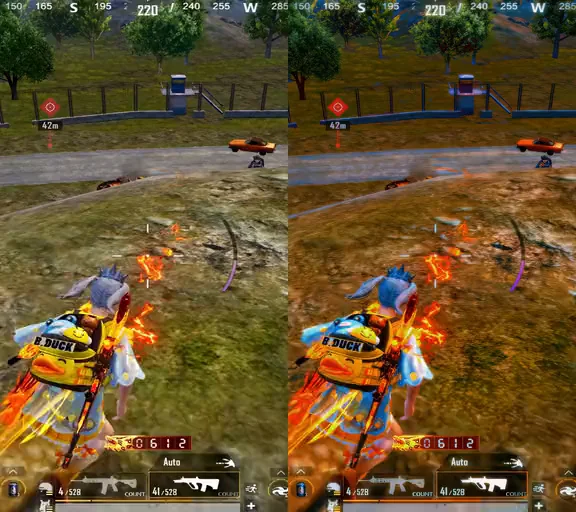
A real PUBG Mobile clip: left of the line is the usual compressed look after upload, right of it is 60-frame smoothness from Elashkef 60FPS. Drag the line to compare for yourself.
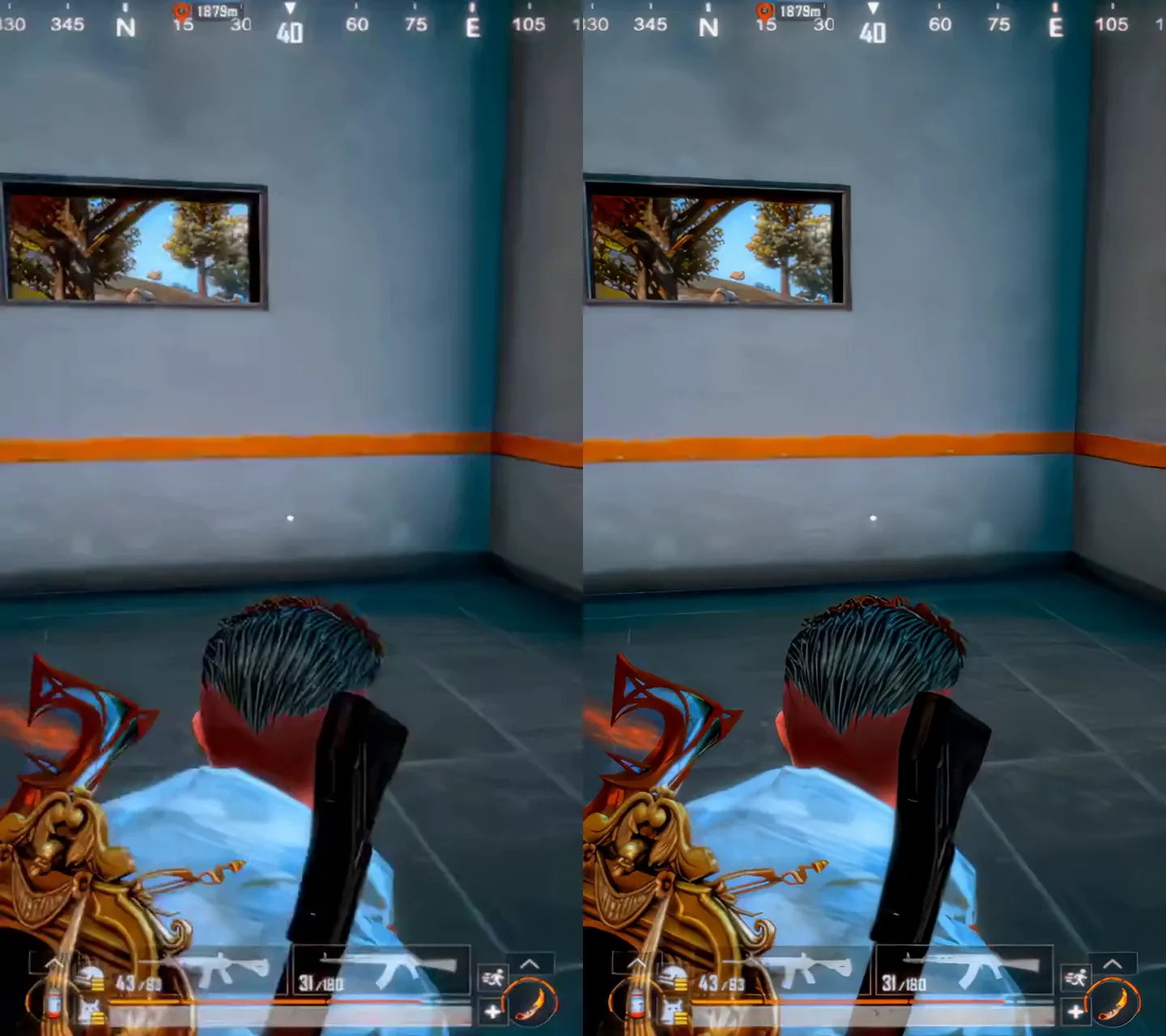
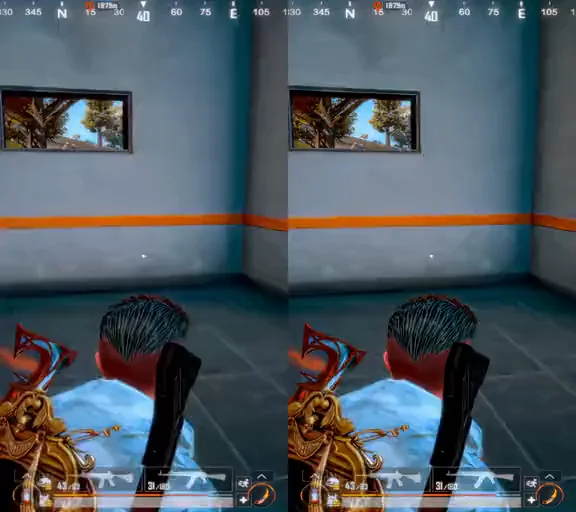
The right side moves at 60 frames per second, so fast turns look smooth instead of choppy.
Compared with the usual compressed look after upload on the left: 30 frames, lower resolution and smeared detail.
Made to prepare gaming clips and short-form content before you publish.
The left side simulates the usual compression after upload (30 frames, lower quality); the right side is the Elashkef 60FPS output. The clip is silent, and published quality also depends on the source file and platform processing.
Prepare smoother 60FPS videos with GPU motion blur and an Arabic and English interface.
A tool for content creators, video editors and gaming creators.
Published quality depends on the source, upload settings and platform processing. System requirements and release terms must be completed before sale.
$20 · one-time
Buy this programReview release specifications and license terms before purchasing. License terms
60FPS is a permanent use license for the purchased release, paid once. Updates and additional services follow the offer.
We do not offer voluntary change-of-mind refunds after digital delivery begins where lawful. Mandatory rights remain protected, and PayNow terms apply to its transactions. Read the refund policy
Smoother movement every second, especially visible in gaming clips and fast edits.
A motion blur engine that uses your graphics card to give movement a softer, more polished feel.
Drop your video file straight into the tool and get started.
Download updates inside the program, without reinstalling the entire app each time.
An interface in both languages, so you work in the one you prefer.
A dark, simple design that keeps your focus on the video.
Published video quality also depends on the source file, upload settings and platform processing. This tool is not affiliated with TikTok, Meta or YouTube.
Better video quality, without the complexity.
A studio for enhancing video quality, with a simpler workflow that starts with your file.
Made for you if You create content or edit video, and want better quality without setting up an editing project for every step.
Quick answers about the programs, availability and licensing.
Elashkef 60FPS is about motion: it prepares video at a smooth 60 frames per second and adds GPU-powered motion blur. Elashkef Studio focuses on the quality of the picture itself. Choose 60FPS if the problem is motion, and Studio if it is quality.
Programs marked “Coming to the store” are not available to purchase yet. Pricing and the purchase button appear on the program’s page as soon as it launches, and you can contact us with any question before then.
Release specifications and system requirements appear on the program’s page when it becomes available. Review the license terms, or contact us before purchasing if you have a question. License terms
Choose the program that fits your work and start from its page.